
Here's a quick example, start to finish, of how to upload and order parts in the OSH Cut app.
.jpg)
Video Transcript:
Here’s how to upload a part, get an instant price, and place an online order through OSH Cut’s online system.
First you’ll need to upload a file. I have a DXF flat pattern that I prepared in advance, so I’ll drag drop it into my cart. Alternatively, I could click add parts, upload files, and then choose a part to upload.
This is a DXF file so it doesn’t actually have units specified, so I need to tell the system what the units are. In this case, it's inches. Then I need to pick a material. I want this to be in aluminum, so I’ll choose that here. 5052 is a common choice although we have a lot of others. But 5052 will ordinarily be the cheapest. Then I’ll choose eighth inch which is a very popular material. I want this part deburred, so under finishing I’ll click edit, deburred. Now I can check out.
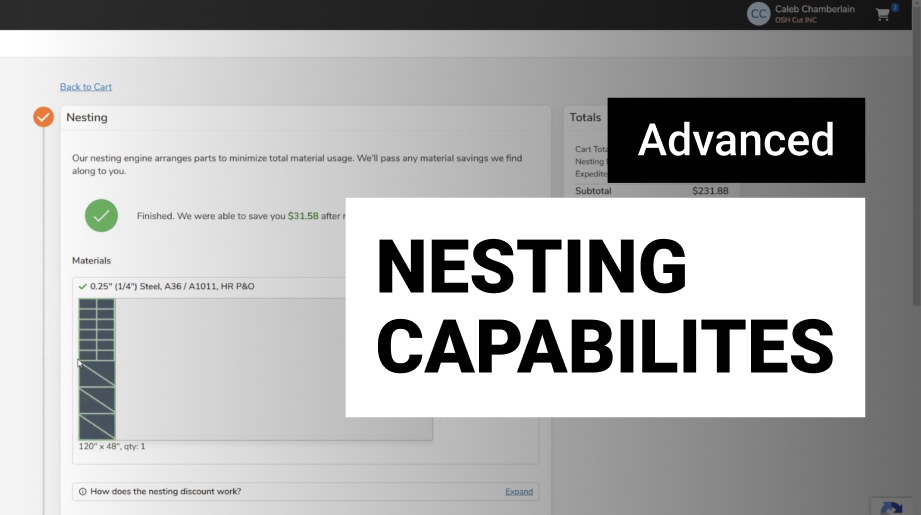
It’ll nest the part. There won’t be much savings here because this is a single part and it's a rectangle. You’ll enter your shipping information. Pick a lead time. The standard at no extra cost for this part is just 2 days. Pick a shipping method. Fill in billing details. And then submit your order.